

Text
The full After Effects animator model, including the parts most alternatives skip.
Download PremationFree, AGPL-3.0-only, for Windows, macOS and Linux
16 glyphs, range 65%
PREMATION MOTION
Range selector on characters
65%
Wave
The range selector sweeps left to right and each letter rides up over the crest.
What you can do
11 capabilities, all in the build you can download today.
- Text animators
- Animate position, scale, rotation, opacity, tracking or colour across characters, words or lines.
- Range selectors
- Start, end, offset, amount, smoothness, and both ease controls — the full Advanced set.
- Multiple selectors
- Stack more than one selector on a single animator.
- Wiggly selector
- Frequency-driven randomness across the selection.
- Per-character 3D
- Each glyph gets its own transform in 3D space.
- Text on a path
- Glyphs placed by arc length with tangent rotation, along a mask path, with keyframeable first margin.
- Right-to-left and bidirectional text
- Arabic and Hebrew, mixed with Latin in one line (since 0.8.3).
- Vertical writing
- Vertical columns with tate-chu-yoko and kinsoku line-breaking for CJK (since 0.8.3).
- Optical kerning
- Pair spacing measured from the glyph shapes, not only the font's kerning table (since 0.8.3).
- Presets
- 18 text presets to start from.
- Fonts for every script
- Since 1.0 a bundled set of open fonts (Inter and Noto, including Japanese, Chinese, Korean, Devanagari, Thai, Arabic and Hebrew) ships with the app. A character the chosen font lacks falls back to a system font, and a missing font is reported by name instead of breaking the export.
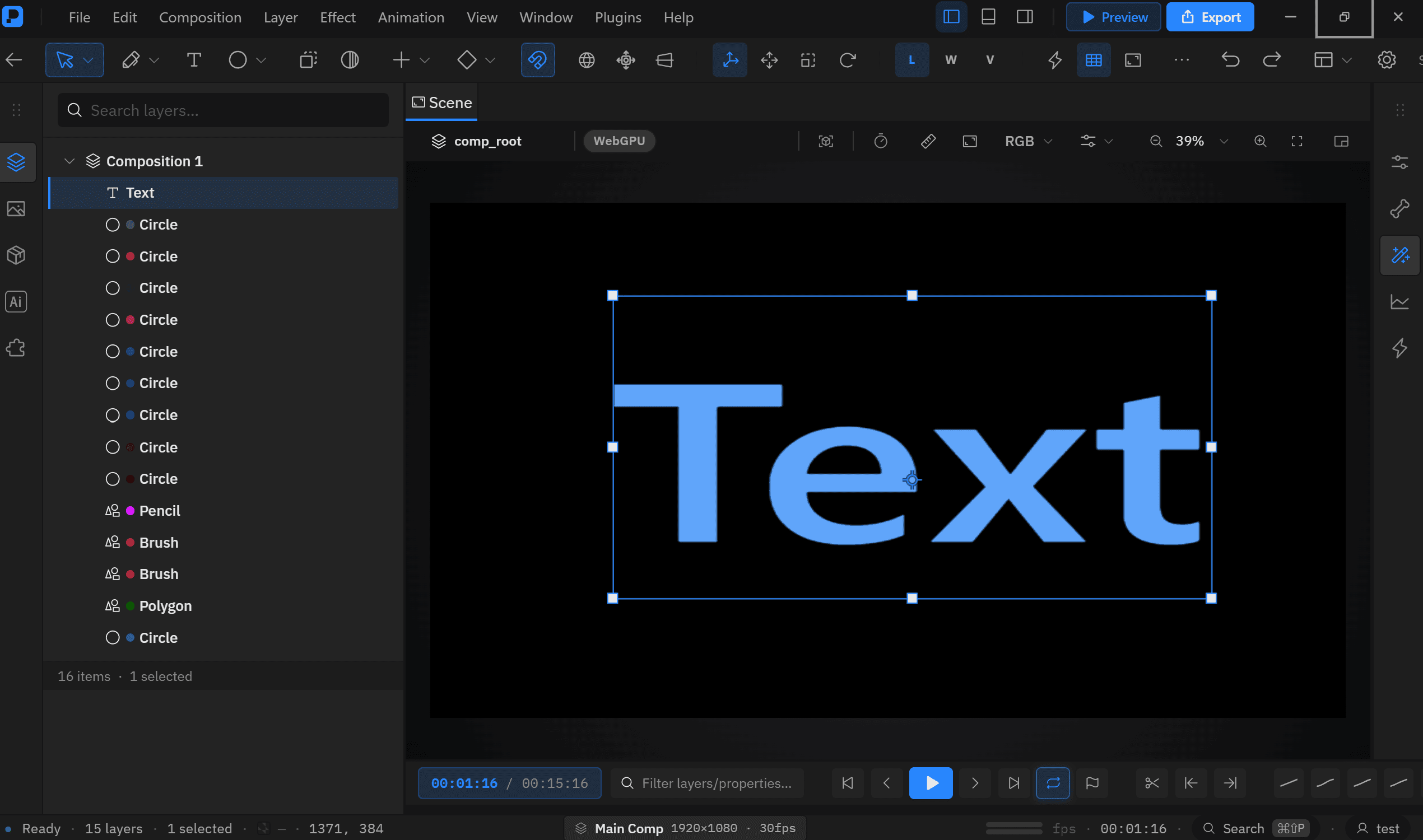
In the editor
The same area in Premation itself, captured from the running app.
Read further
The documentation for this area, in the order it is worth reading.